
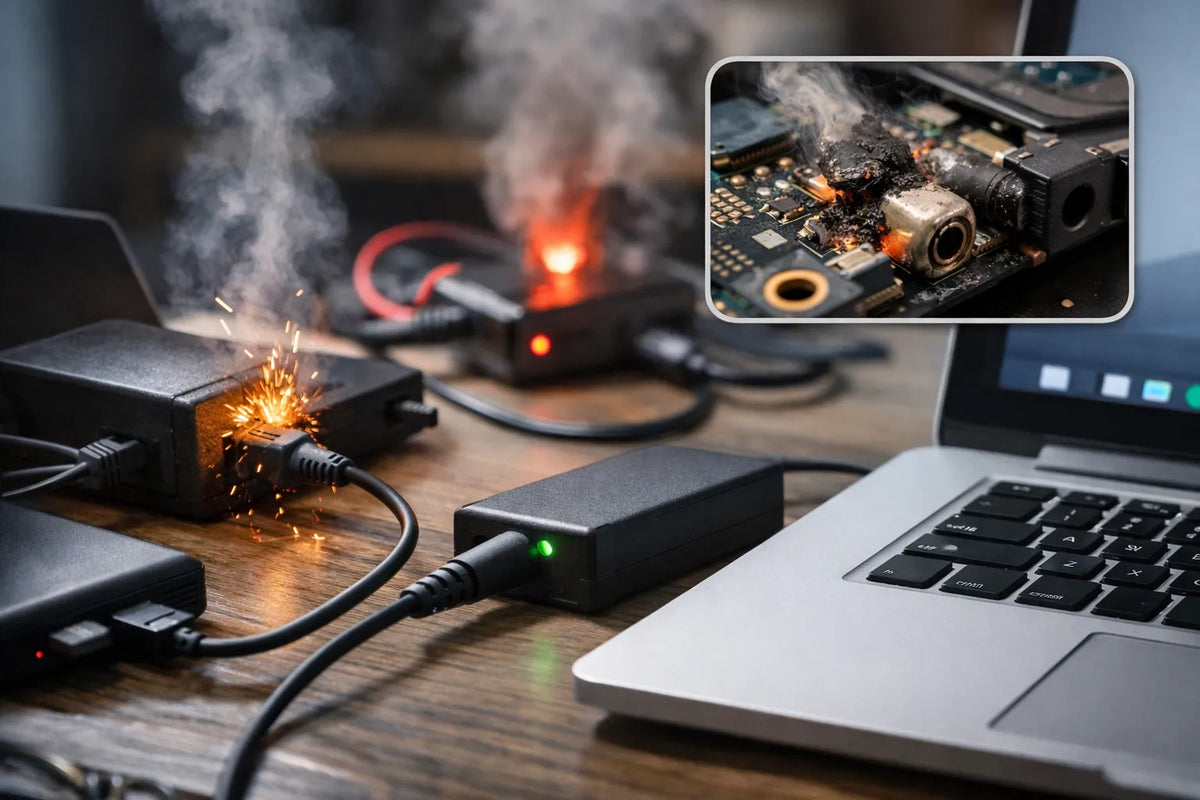
Most users think all chargers are equal. They assume any plug that fits will work safely. This is a dangerous misconception that can cost you hundreds of dollars in repairs.
Your laptop is a sensitive piece of electronics. It relies on a steady, precise flow of power. Using a low-quality or incompatible charger creates electrical "noise." This noise interferes with your touchpad and battery life.
The Risk of the "Universal" Trap
Many "universal" chargers promise to work with every brand. However, they often lack the specific communication chips required by modern laptops. Brands like Dell and HP often "throttle" performance if they don't recognize the charger.
You might see a message saying "Plugged in, not charging." This isn't always a broken battery. It is often a sign of an incompatible power supply.
Protecting Your Investment
A high-quality laptop costs between $600 and $2,000. Saving $10 on a cheap, unbranded charger is a poor financial trade-off. Poorly regulated power bricks can cause "thermal runaway" in lithium batteries.
According to safety reports, counterfeit chargers are a leading cause of small house fires. Real data shows that genuine chargers undergo rigorous UL (Underwriters Laboratories) testing. Cheap knock-offs skip these expensive safety certifications to lower costs.
What This Guide Covers
We will teach you how to read the fine print on your current power brick. You will learn the difference between "Input" and "Output." We will also demystify the move toward USB-C Power Delivery (PD) standards.
Decoding the Labels: Volts, Amps, and Watts
To find the right charger, you must look at the "Output" section of your old power brick. If you lost the original charger, check the bottom of your laptop. Look for a small sticker or etched text near the battery compartment.
These numbers tell the story of how much energy your laptop needs to function. Matching them correctly is the most vital step in this process.
The Golden Rule of Voltage (V)
Voltage represents the "pressure" of the electricity. You must match the voltage of your laptop exactly. Most laptops operate at 19V, 19.5V, or 20V.
If the voltage is too low, the laptop won't turn on. If it is too high, you will likely fry the delicate circuits on the motherboard. There is no "wiggle room" here. Always stick to the manufacturer’s exact voltage rating.
Understanding Amperage (A) and Wattage (W)
Amperage is the "current" or the amount of electricity available. Unlike voltage, the amperage on your charger can be higher than your laptop's requirements.
The laptop will only "draw" what it needs. If your laptop requires 3.42A, a 4.7A charger is perfectly safe. However, a 2.0A charger will overheat and likely fail because it cannot keep up with the demand.
Watts=Volts×Amps
Wattage is the total power capacity. If your laptop needs a 65W charger, you can safely use a 90W or 130W unit. The extra capacity acts as a safety buffer.
Reading the Polarity Symbol
For traditional round barrel connectors, look for a small diagram of three circles. This indicates the "polarity." Most modern laptops use a "Center Positive" configuration.
Using a "Center Negative" charger on a "Center Positive" laptop will cause an immediate short circuit. Double-check this symbol before plugging anything in. It usually looks like a plus sign inside a circle pointing to the center dot.
The Physical Connection: Ports and Pin Diameters
Even if the electrical specs match, the charger is useless if it doesn't fit. Laptop connectors are notoriously diverse. In the tech industry, we call the traditional round plugs "barrel connectors."
These connectors are defined by two measurements: the Outer Diameter (OD) and the Inner Diameter (ID). Both are measured in millimeters. A tiny difference of 0.4mm can be the difference between a secure fit and a spark.
Common Barrel Connector Sizes
Major brands often stick to specific "standard" sizes, but these change as laptops get thinner. Below is a breakdown of common dimensions you will encounter:
| Brand | Common Outer/Inner Diameter | Common Name/Notes |
| HP / Dell | 4.5mm x 3.0mm | Often called "Blue Tip" (HP) or "Small Pin." |
| HP / Dell | 7.4mm x 5.0mm | "Big Pin" used on older or high-power models. |
| Lenovo | 11.0mm x 4.5mm | "Slim Tip" (rectangular, looks like a USB port). |
| Acer / Asus | 5.5mm x 1.7mm | Standard "Large" barrel for budget laptops. |
| Asus / Zenbook | 4.0mm x 1.35mm | "Small" barrel for ultra-thin models. |
The Rise of USB-C Power Delivery (PD)
The industry is finally moving toward a universal standard: USB-C. If your laptop has a USB-C port with a small "lightning bolt" or "plug" icon next to it, you are in luck.
USB-C chargers use the Power Delivery (PD) protocol. This allows the charger and the laptop to "talk" to each other. The charger asks, "How much power do you need?" and then provides the exact voltage required. This means you can often use one high-quality 100W USB-C charger for your phone, tablet, and laptop.
Identifying the "Smart Pin"
Many Dell and HP connectors have a tiny, needle-like pin in the center. This is not just for power; it is a data line.
If this pin is bent or missing, your laptop might turn on but refuse to charge the battery. This is a common point of failure. When buying a replacement, always look inside the barrel to ensure the pin configuration matches your original.
OEM vs. Third-Party: Safety and Longevity
When you search for a replacement, you will face a choice. You can buy the original brand (OEM) or a cheaper third-party version. While price is a factor, quality varies wildly in the aftermarket.
OEM chargers come directly from the laptop manufacturer. They are designed specifically for your motherboard's power management system. Third-party chargers are built to be "compatible," but they vary in safety standards.
The Dangers of Low-Quality "Knock-offs"
Budget chargers often cut corners on internal components. High-quality power bricks use "filtering capacitors" to smooth out electricity. Cheap ones omit these, leading to "dirty power" that can damage your CPU.
Research shows that counterfeit chargers frequently lack thermal protection. If a genuine charger gets too hot, it shuts down. A cheap knock-off might continue to melt or even catch fire.
How to Spot a High-Quality Third-Party Charger
If you do choose an aftermarket brand, look for reputable names like Anker, Ugreen, or Baseus. These companies follow strict safety protocols. Ensure the product has the following certifications:
- UL Listed: Meets rigorous safety standards in the USA.
- CE Marking: Complies with health and safety standards in Europe.
- FCC Certification: Ensures the device does not cause radio interference.
- RoHS: Guarantees the product is free from hazardous materials like lead.
The "Dell/HP Problem"
Some brands use proprietary chips in their chargers. If you buy a generic third-party unit, the laptop might display a warning. It may limit its speed to 50% to prevent damage.
Always check customer reviews specifically for your laptop model. This ensures the "handshake" between the charger and laptop actually works. Saving $20 isn't worth a laptop that runs at half speed.
Conclusion: The Final Checklist for Your Purchase
Buying the right charger is about precision, not guesswork. If you follow the technical rules of voltage and polarity, you protect your laptop’s lifespan. Choosing a high-quality power supply ensures your device performs at its peak without thermal throttling.
Before you click "buy" or head to the checkout, use this final checklist. It summarizes the critical data points we have discussed to ensure a perfect match.
Your 5-Step Pre-Purchase Checklist
- Match Voltage Exactly: Check your laptop’s "DC Input." Ensure the new charger matches that number (e.g., 19.5V). A ±5% variance is the absolute maximum safety limit.
- Verify Amperage/Wattage: The new charger must have an equal or higher amp (A) or watt (W) rating than the original. Never go lower, as this causes overheating.
- Confirm Connector Dimensions: Use a ruler or digital calipers if possible. Even a 1mm difference in the barrel diameter will prevent a stable connection.
- Look for Safety Marks: Only buy chargers with visible UL, CE, or FCC logos. These indicate the unit has passed official electrical safety inspections.
- Check for Proprietary Pins: If you own a Dell, HP, or Lenovo, look for a "Smart Pin" inside the connector. Without this, your battery may not charge.
The Modern Way: Moving to USB-C
If your laptop supports it, consider switching to a GaN (Gallium Nitride) USB-C charger. GaN technology allows chargers to be smaller and more efficient than traditional silicon-based bricks.
A single 100W GaN charger can often replace the bulky power cords for your laptop, phone, and tablet. This simplifies your workspace and lightens your travel bag. Just ensure you pair it with a high-quality, E-Marker certified USB-C cable.
Final Thoughts
A laptop charger is the "heartbeat" of your device's power system. While it is tempting to save money with a generic brand, the risks to your hardware are real. Stick to reputable brands and exact specifications to keep your tech running safely for years to come.
