
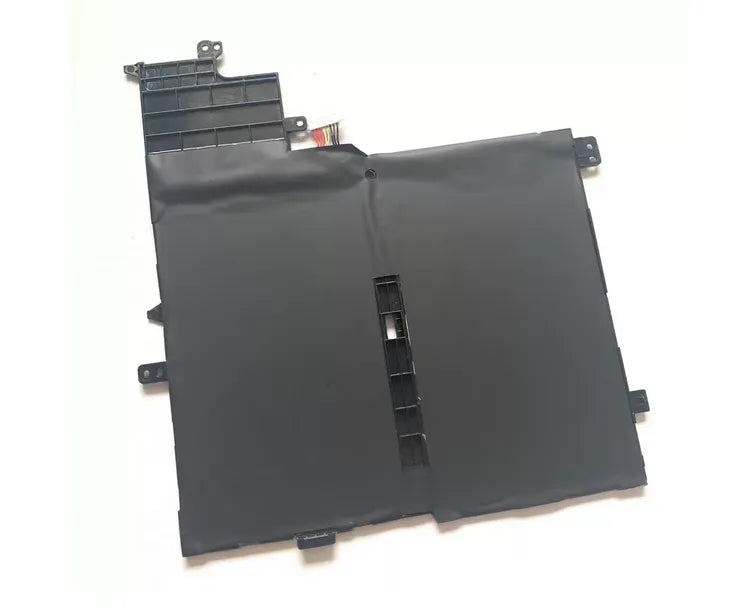
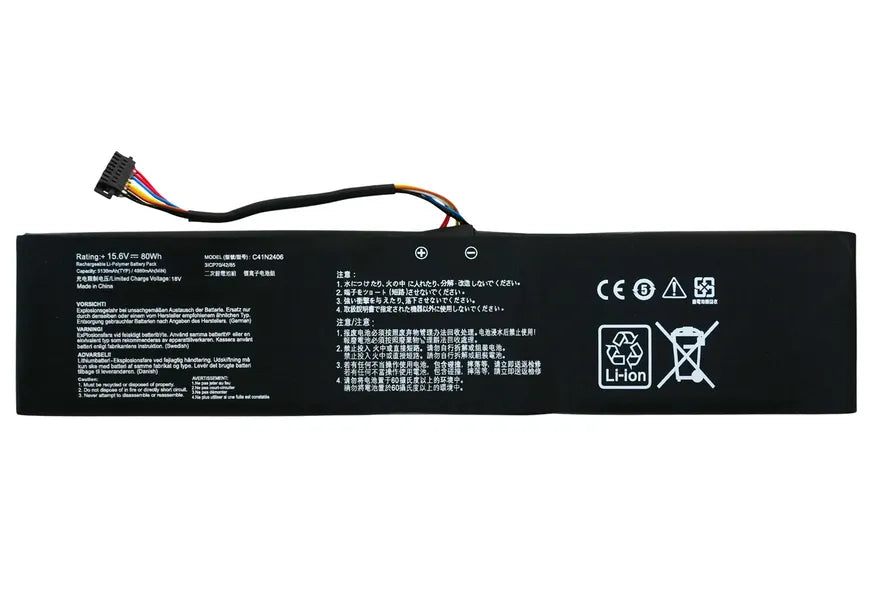
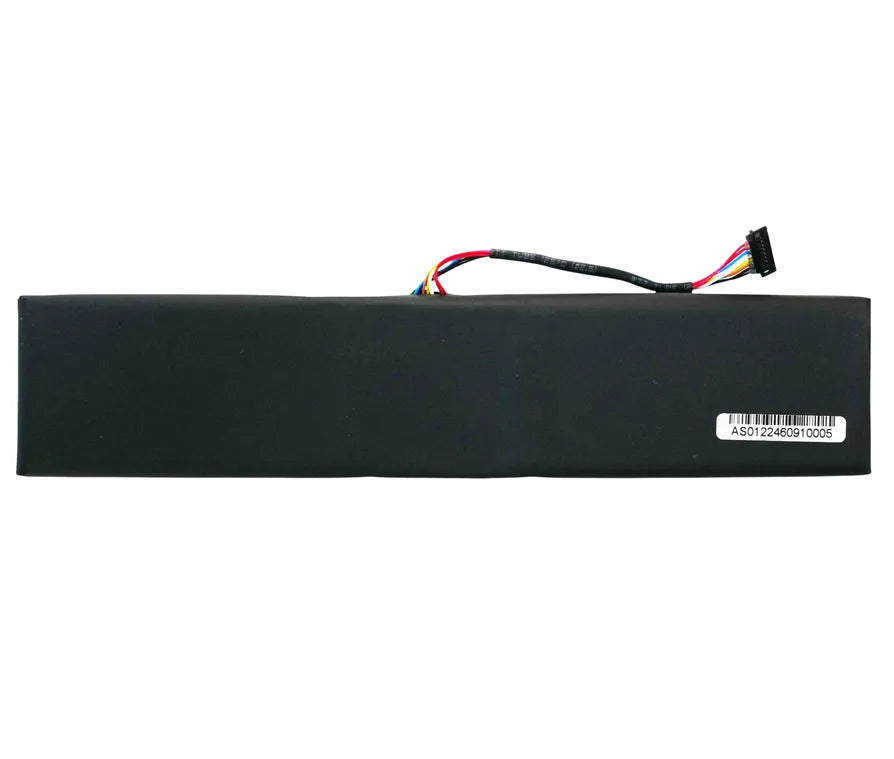


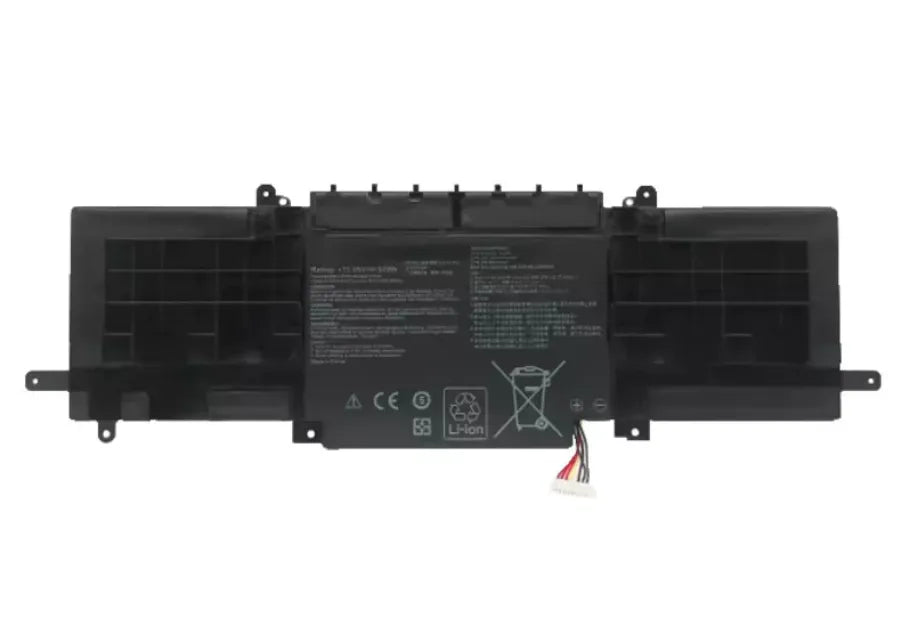
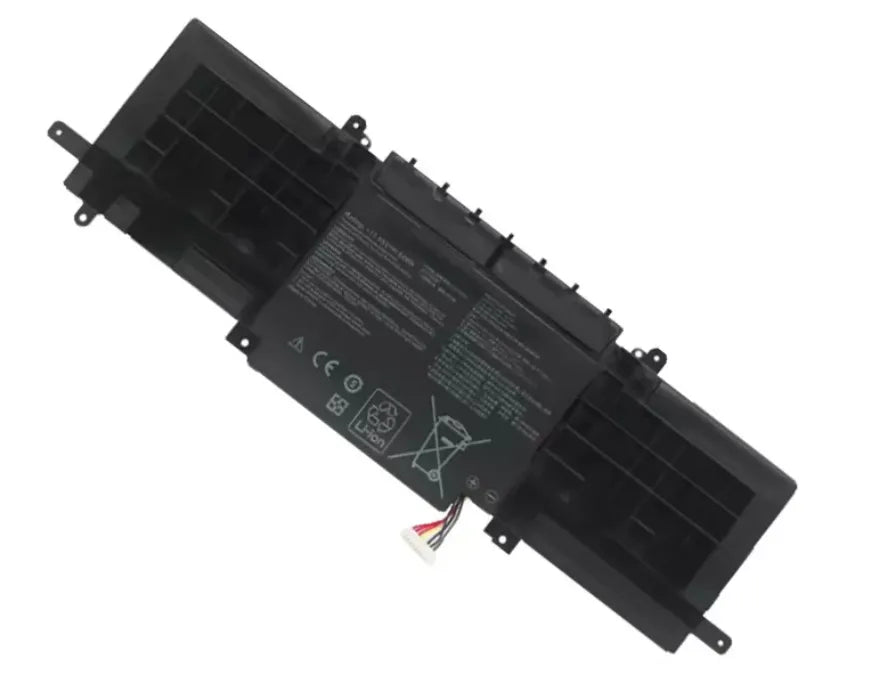
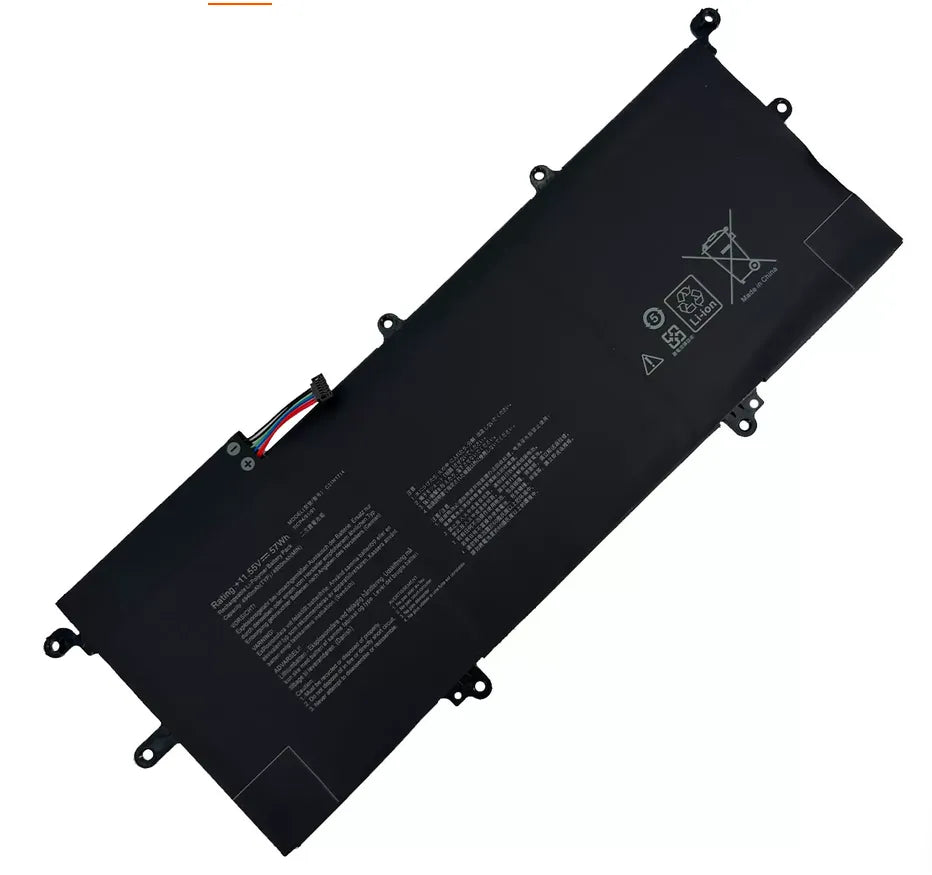
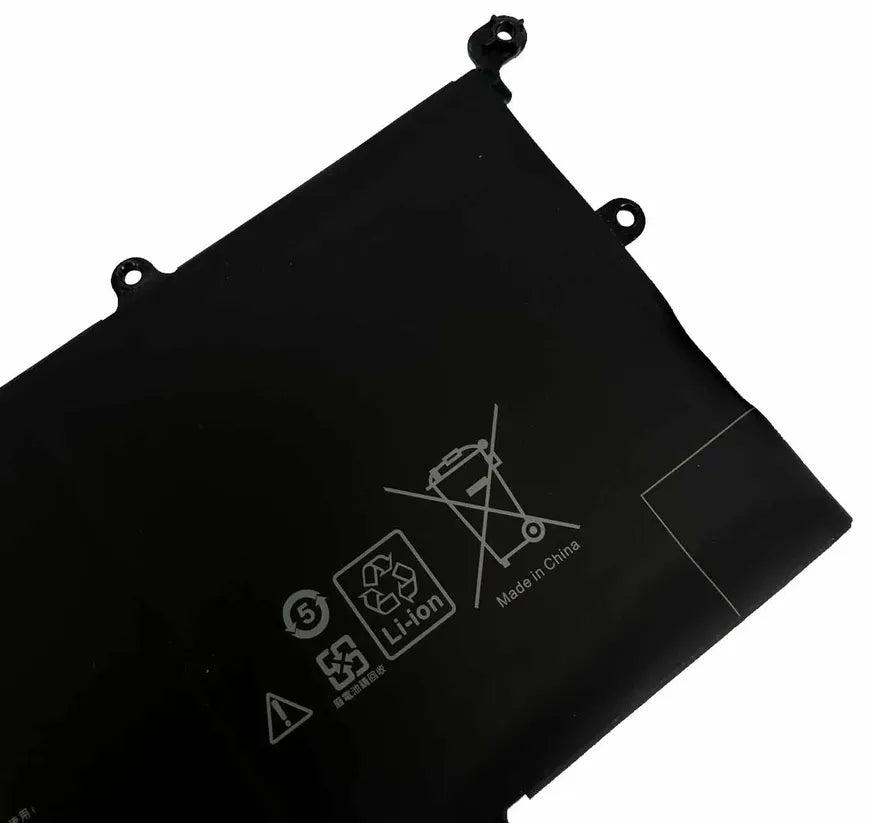
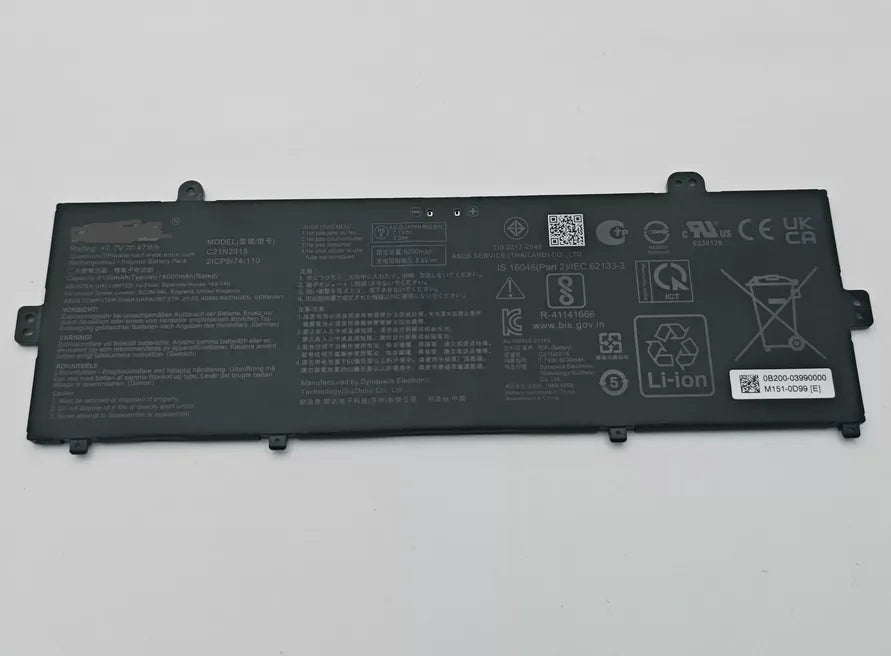

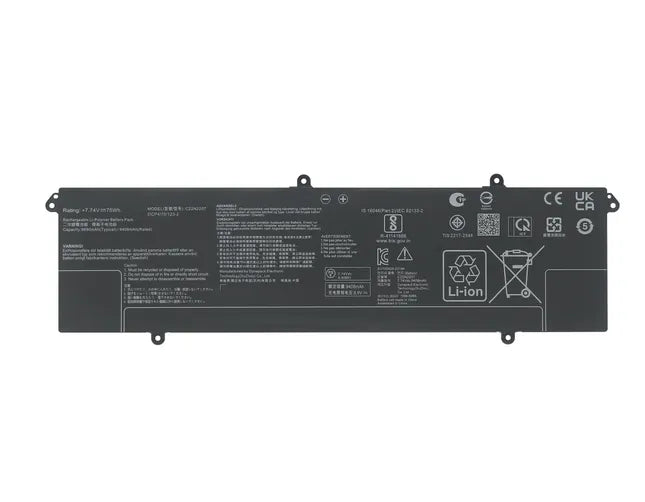
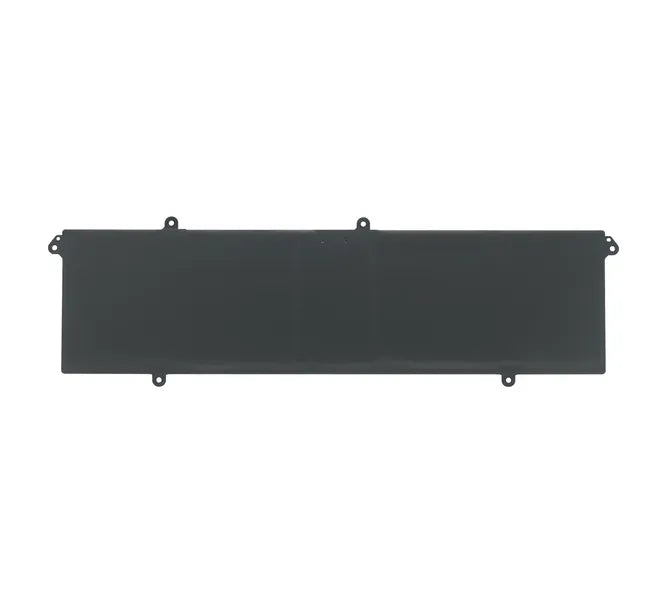
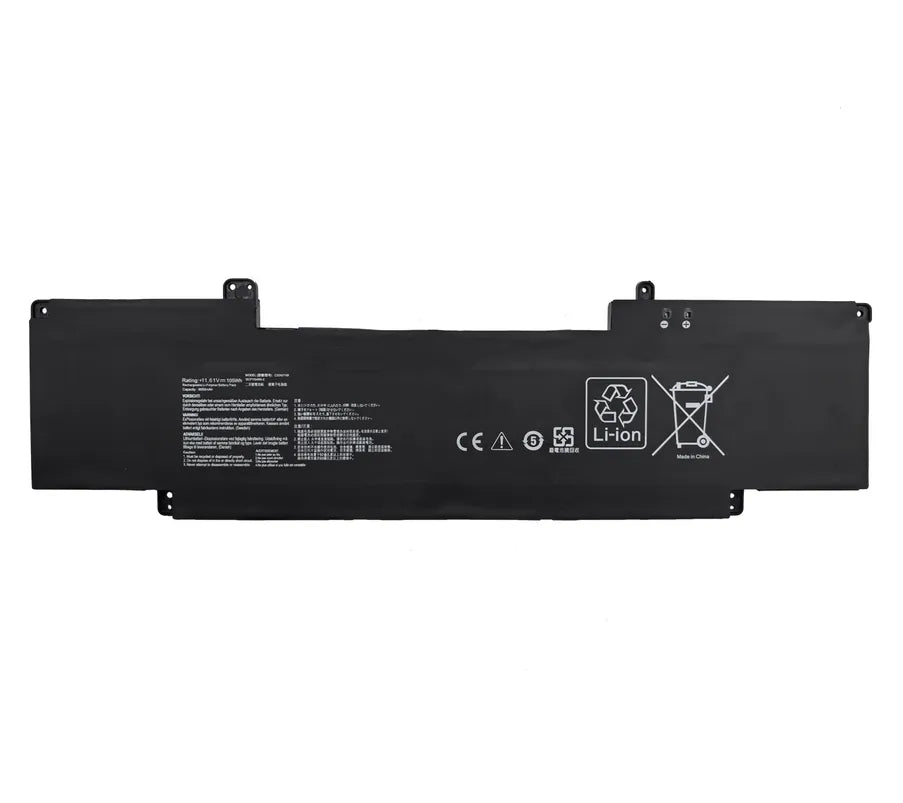
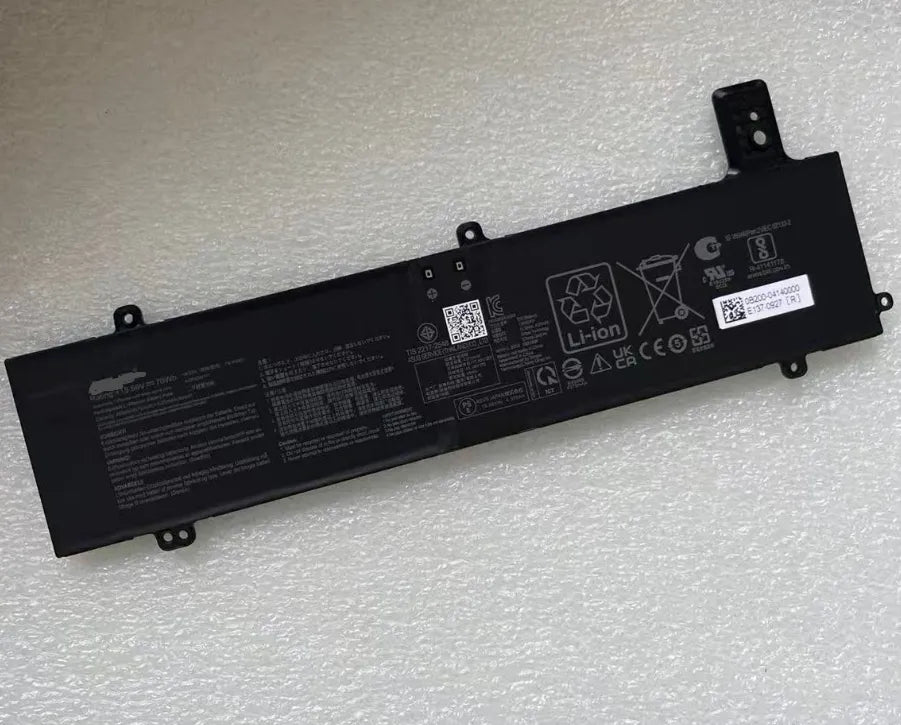
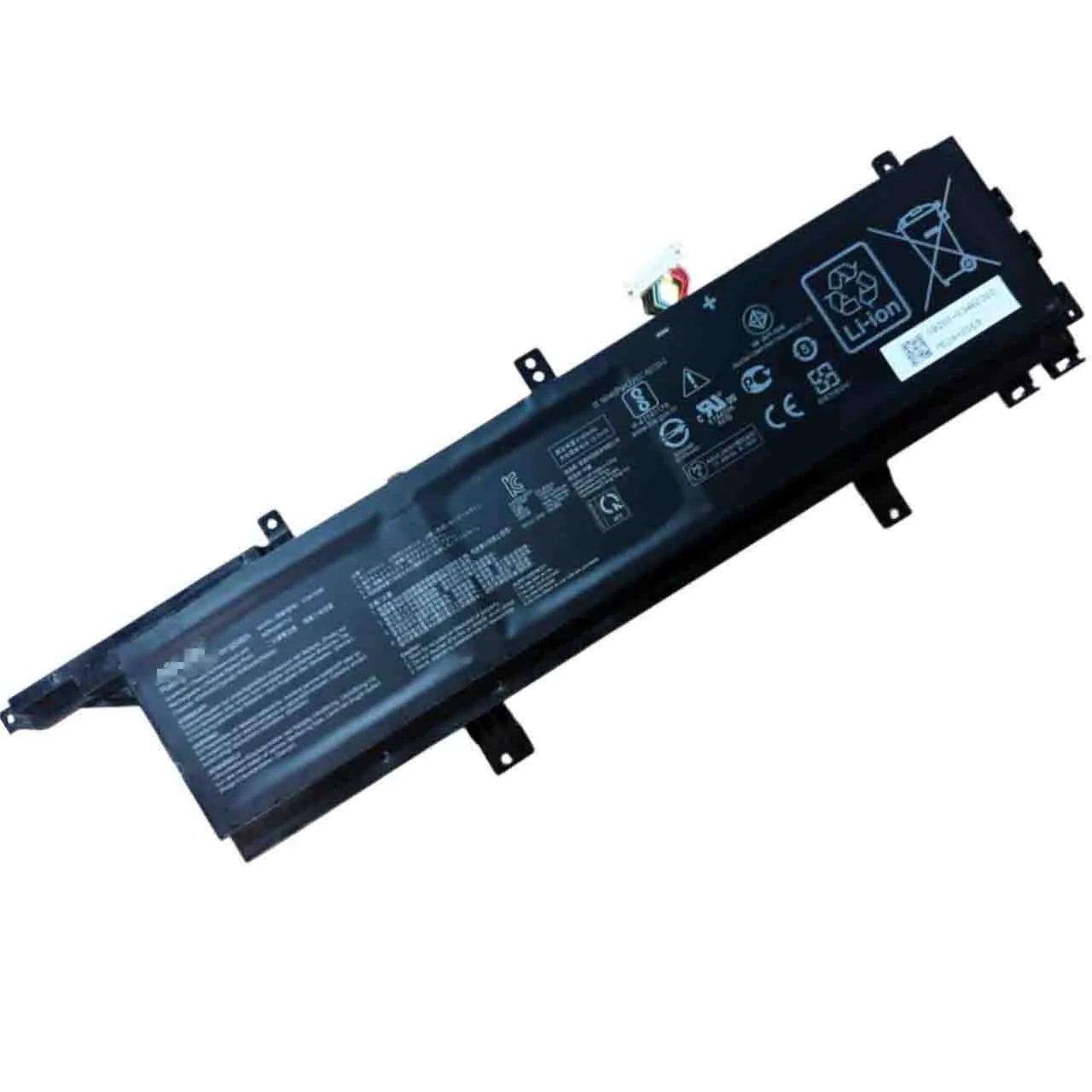
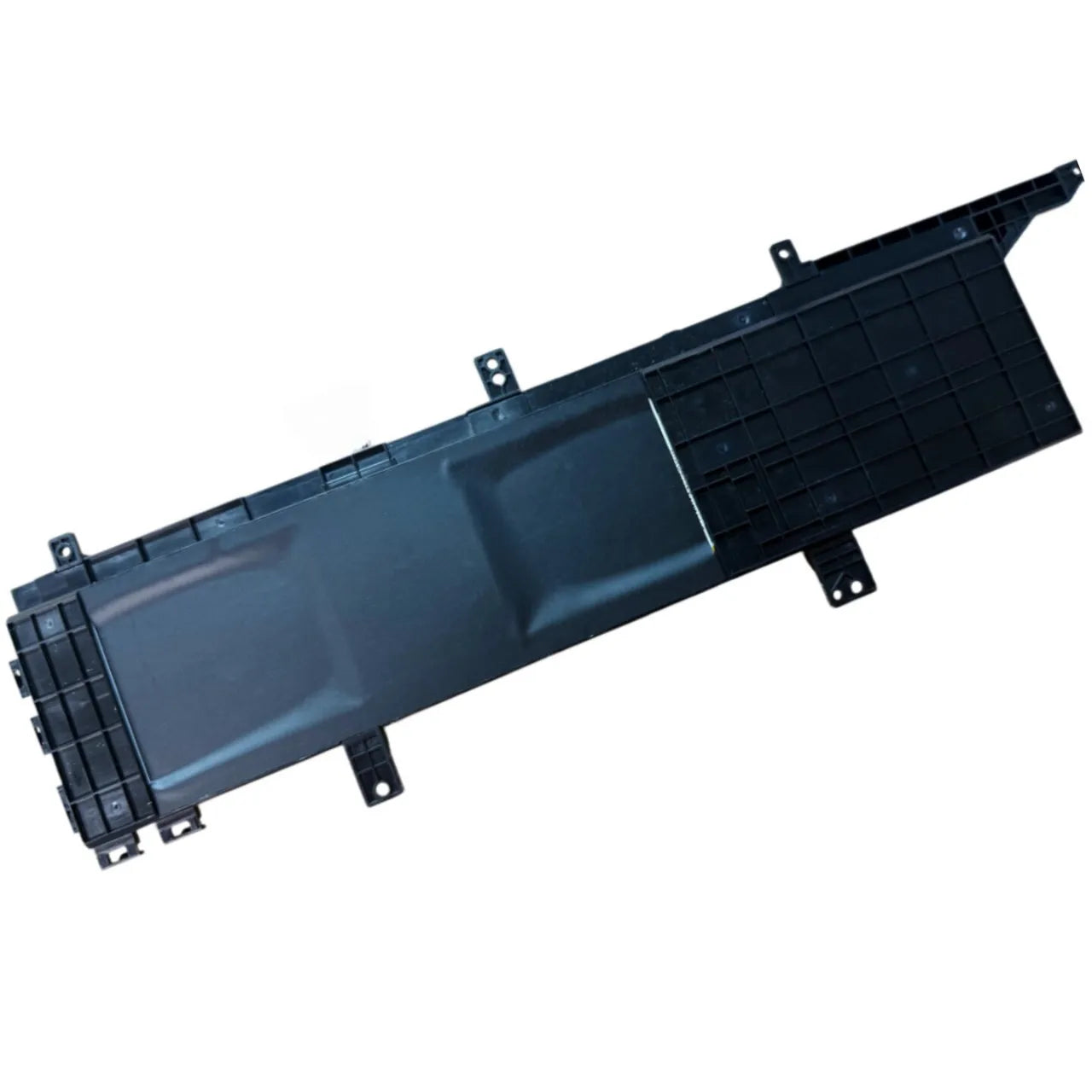
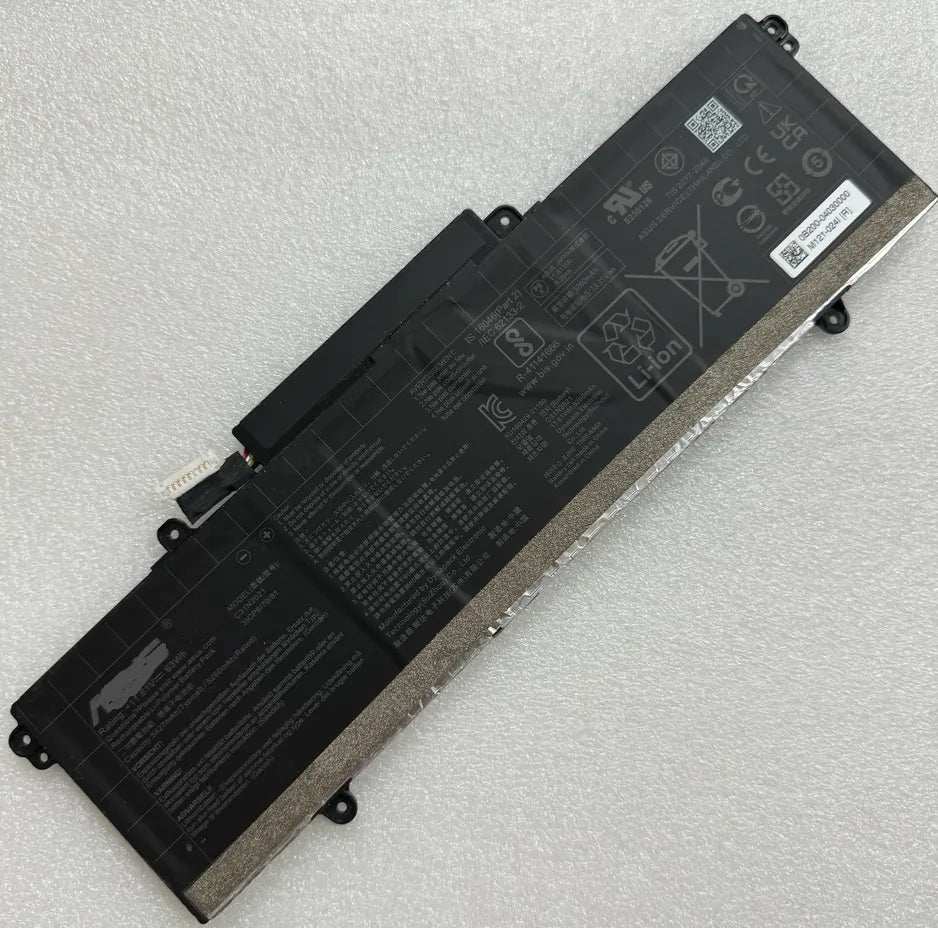
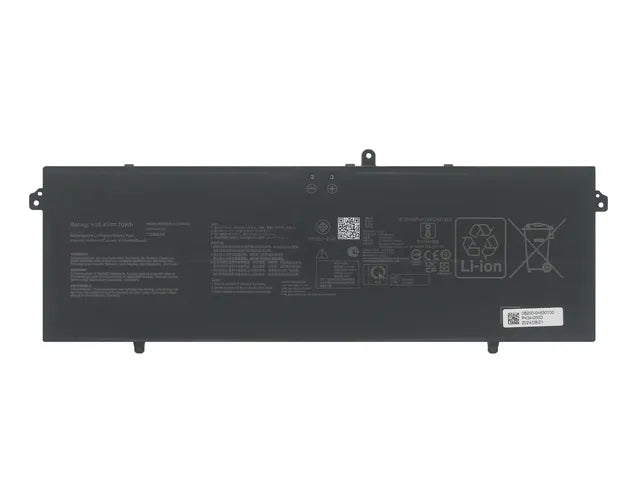
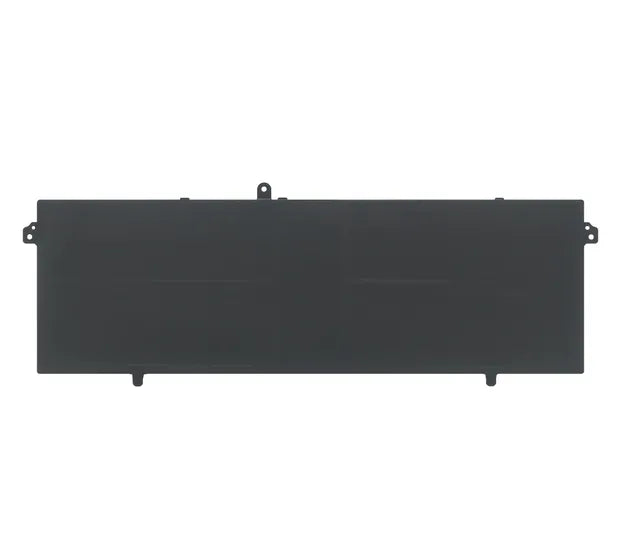


Popular Asus Battery Models
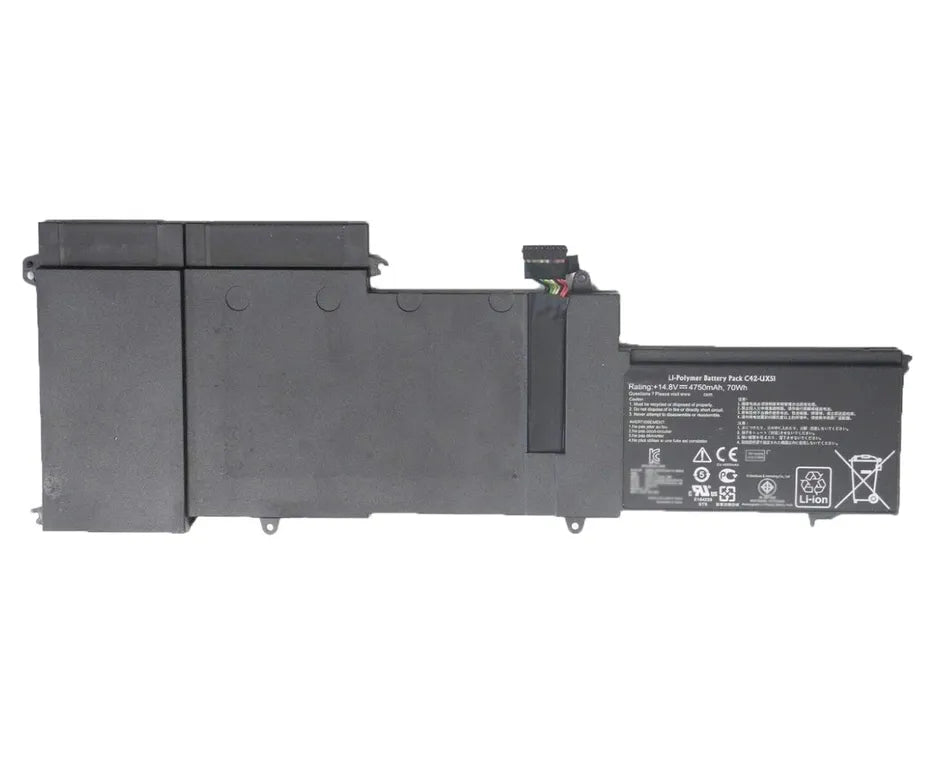
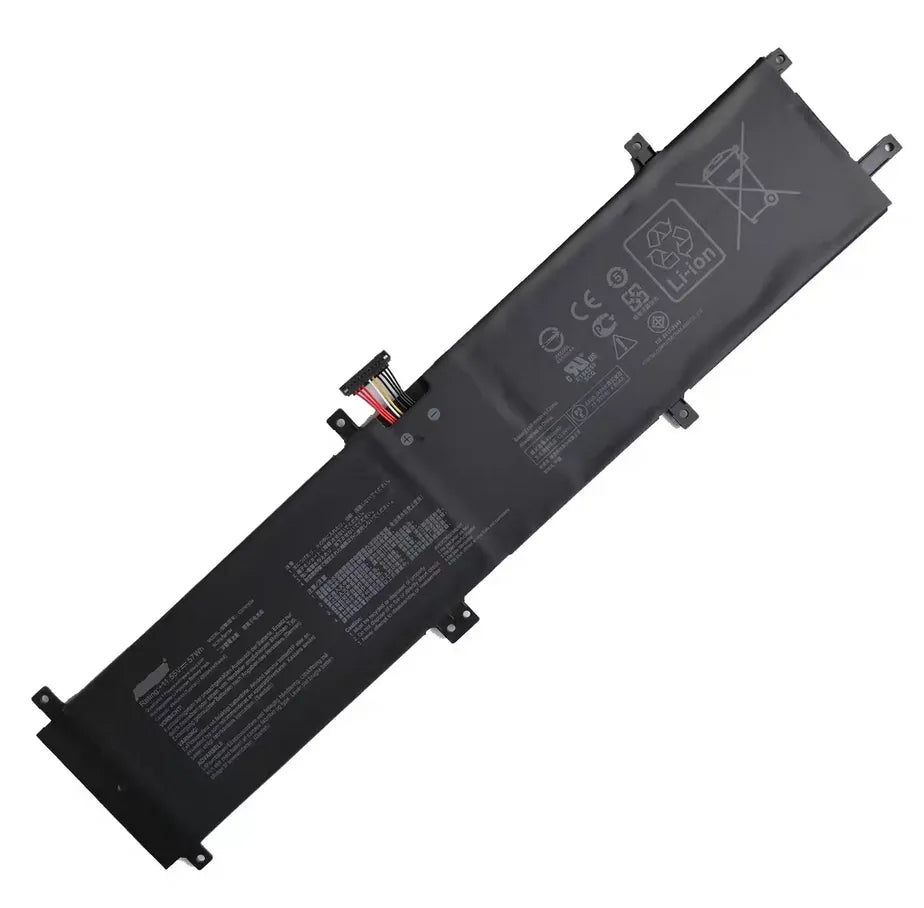
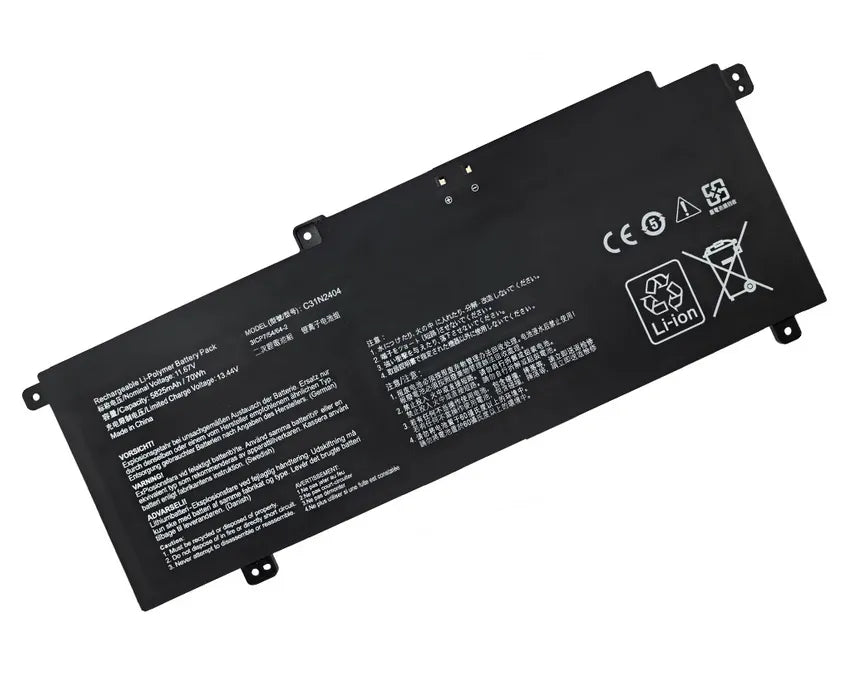
- ZenBook: C31N2021 (Zenbook 14X OLED UM5401, UX5400), C22N2309 (Zenbook S16 UM5606), C31N2404 (Zenbook A14 UX3407NA), C41N2304 (Zenbook 14 OLED UM3406HA), C32N2108 (ZenBook Pro 16X OLED UX7602ZM), C41N2110 (Zenbook 17 Fold OLED UX9702AA), C31N1914 (ZenBook 14 UX425QA), C41N2004 (UX482E), C42-UX51 (ZenBook U500, UX51)
- VivoBook: C22N2207 (K5404V, S5504VA), C41N2402 (M3607HA, M3407H, 70Wh), B31N1912 (VivoBook 14 E410), B31N1842 (S531FA, V531FL, X531FA)
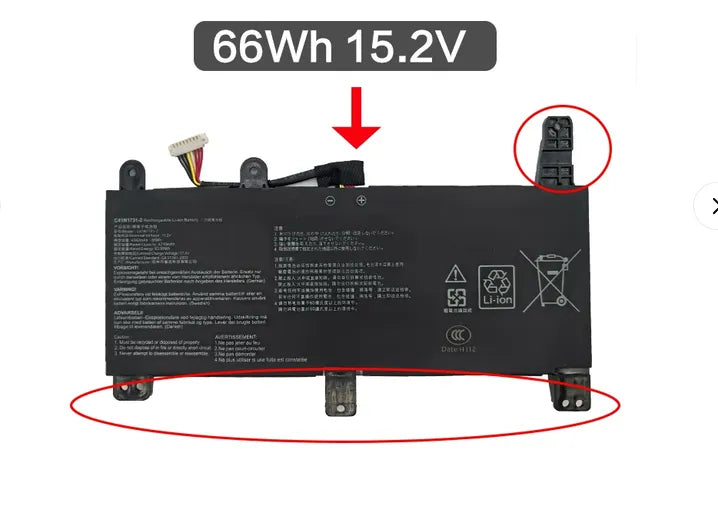
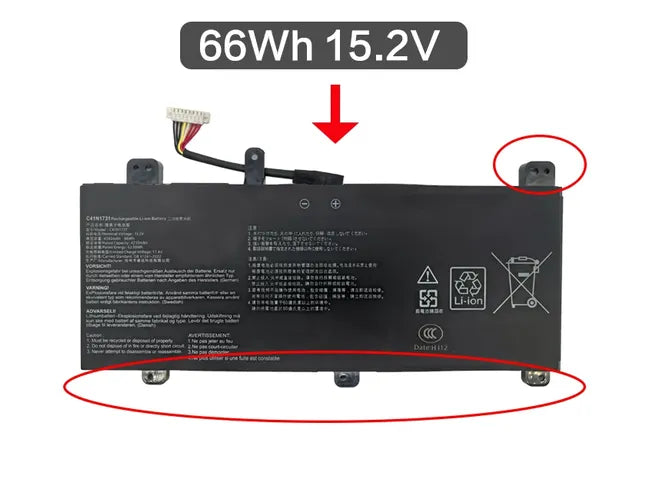
- ROG and gaming: C41N2208 (ROG Ally RC71L), C41N2401 (ROG Flow Z13 GZ302EA), C41N2303 (ROG Zephyrus G16 GU605M), C41N1731-2 (ROG Strix G17 G731GV)
- ExpertBook, ProArt and StudioBook: C31N2313 (ExpertBook P5654, B5404CMA), C32N1838 (StudioBook Pro X W730), C31N1834 (ProArt StudioBook Pro 17 W700)
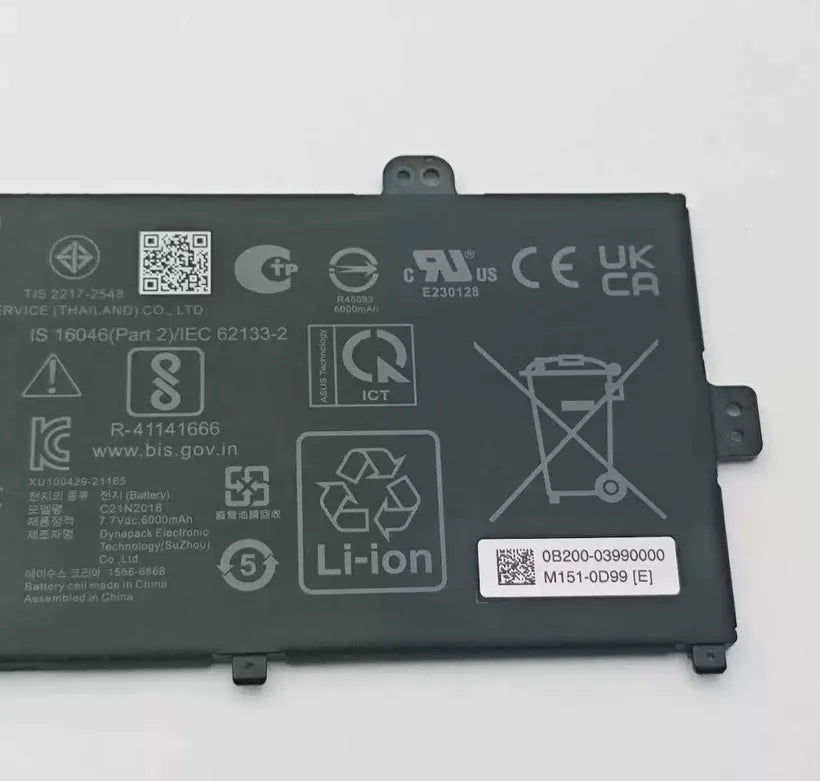
- Chromebook: C21N2018 (CR1 CR1100CKA), C22N2023 (CXB170CKA, CX1700)
- Other Asus models: C31N1431 (E403S, E403N, R416N)
How to Find the Right Asus Battery
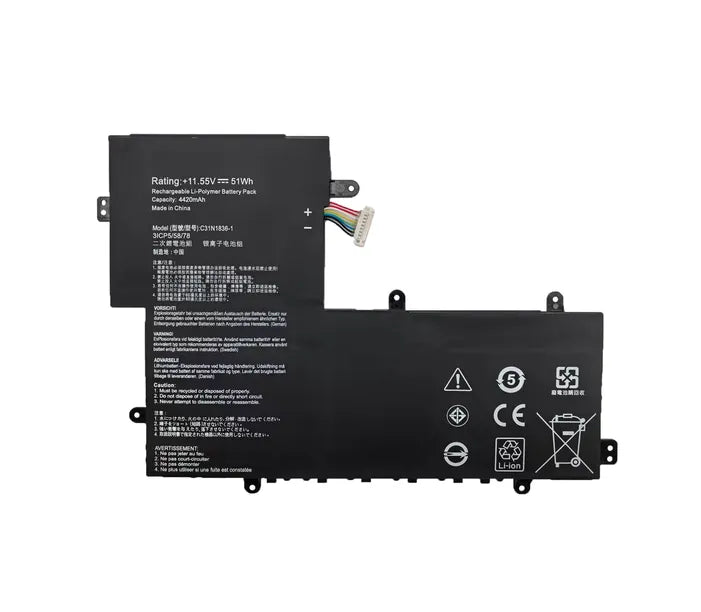
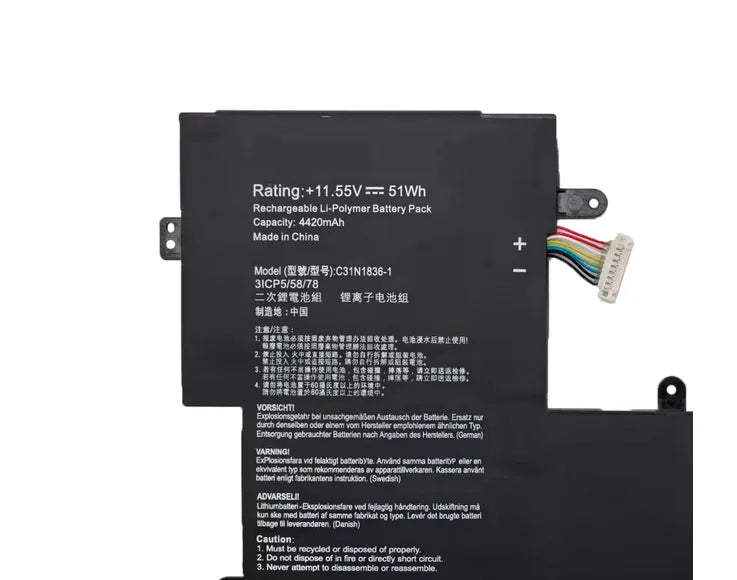
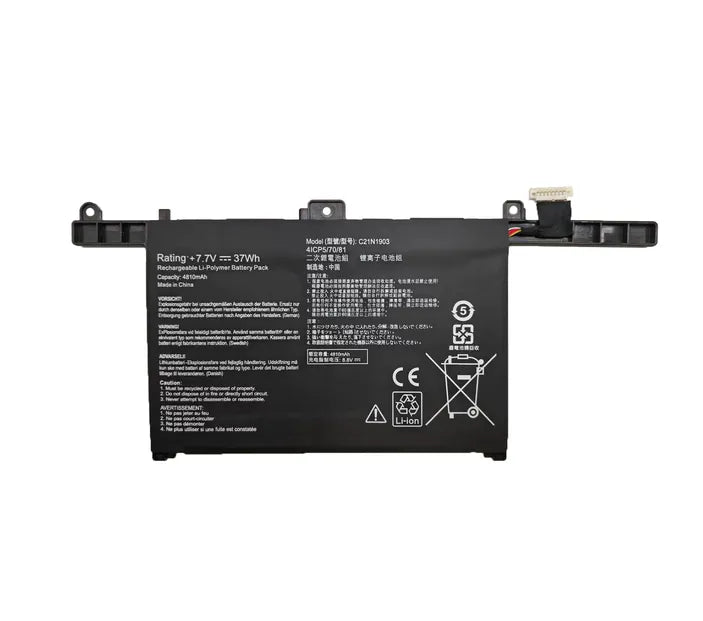
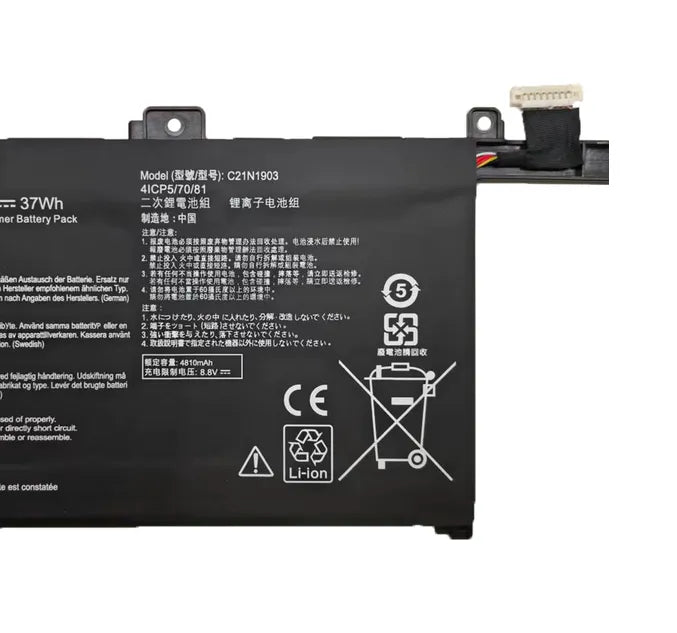
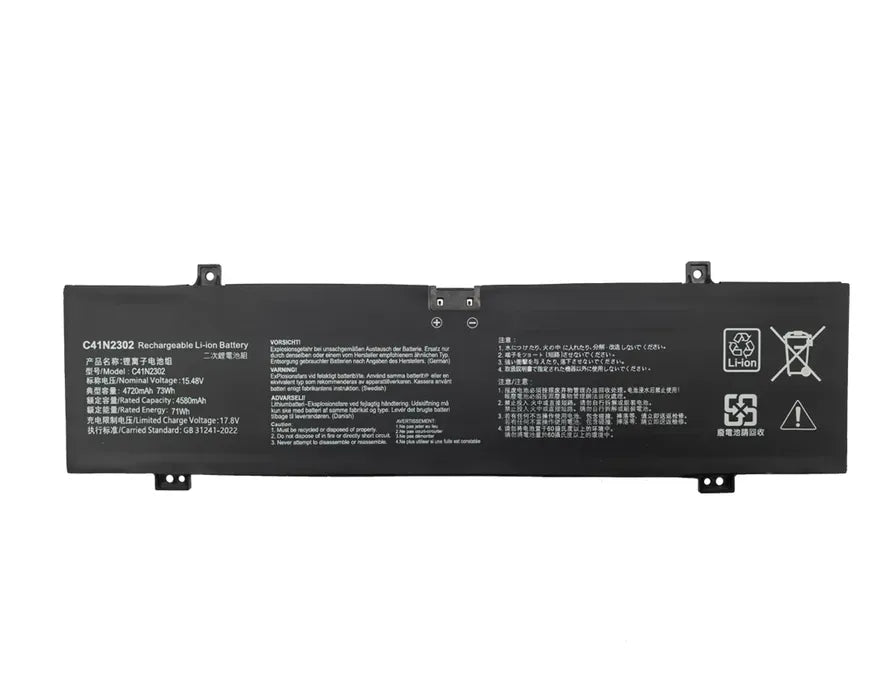
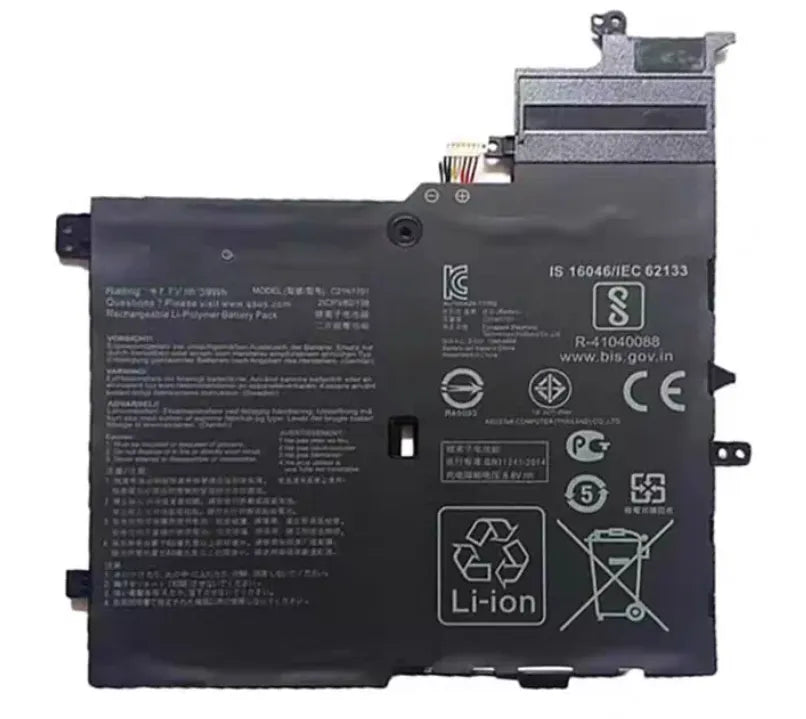
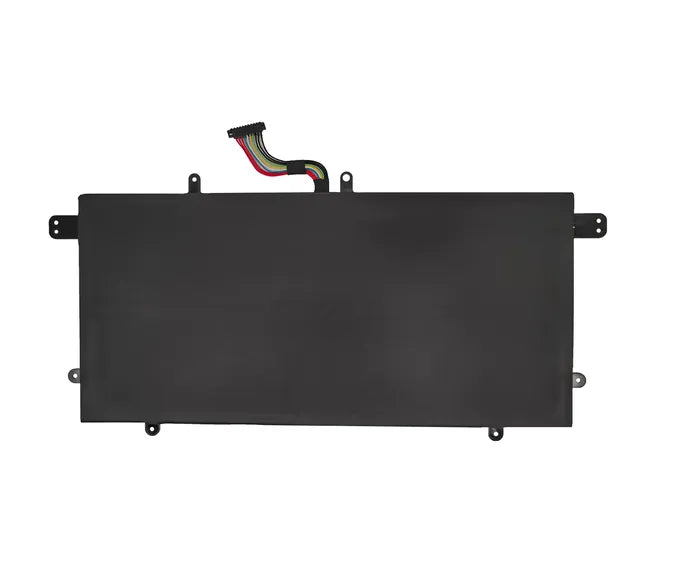
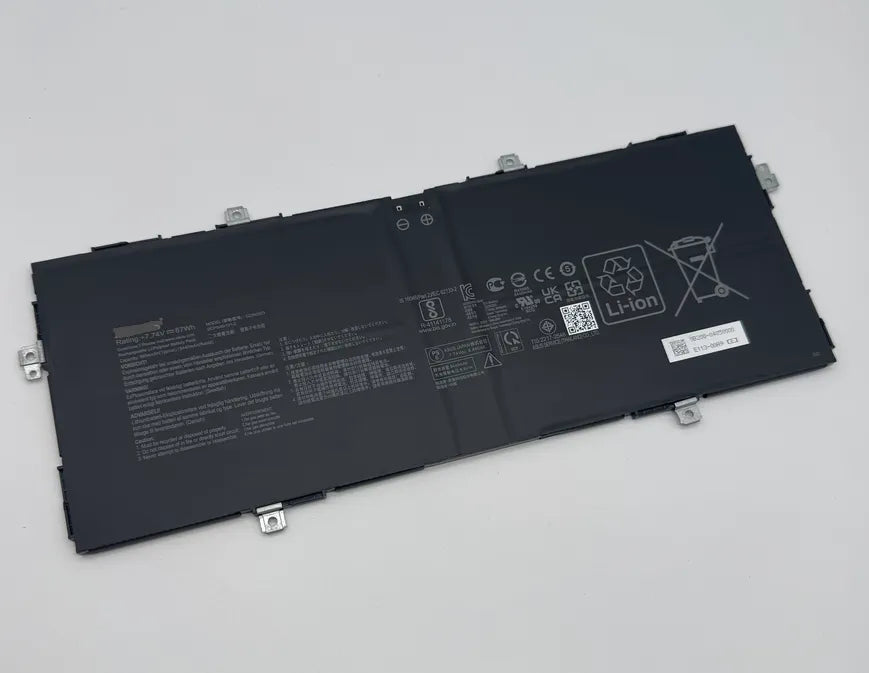
- Check the battery part number. Asus batteries commonly use codes such as B31N1912, C31N2021 or C41N2208. Search the code in the store.
- No label? Use your model number. Find it on the sticker on the bottom of the laptop (for example UX482EA, M3607HA or GZ302EA).
- Match voltage and capacity (Wh) with the product page, and check that your model is on the compatibility list.
- Not sure? Send us your Asus model number and we will help you check before you order.
Before You Install
Many current Asus laptops have a built-in battery that requires removing the bottom cover. Check your device manual first, and use a qualified technician if you are not comfortable opening the laptop. Handle lithium batteries carefully and do not bend, puncture or short-circuit them.
Why Buy from Store Shoppe
- Free shipping on every order
- One-year warranty
- Free returns within 14 days: satisfied or refunded
- Support by chat, email or phone to help match your part number
- Secure checkout with Visa, Mastercard, Amex and PayPal
Asus Battery FAQ
How do I know which battery fits my Asus laptop?
Match the part number on your current battery, or your exact model number, against the compatibility list on the product page. If anything is unclear, contact us before ordering.
My Asus laptop is plugged in but not charging. Is it the battery or the charger?
Either can be the cause. Try a different power adapter first. If the laptop still drains quickly, shuts down when unplugged or the battery is not detected, the battery is the likely cause. You can also browse our laptop AC adapters.
How long does an Asus laptop battery last?
Most lithium-ion laptop batteries keep good capacity for roughly 300 to 500 full charge cycles, which is about two to four years of regular use, depending on heat and charging habits.
Can I replace the battery myself?
It depends on the model. Some laptops allow easy access, while many have a built-in battery behind the bottom cover. Check your manual or ask a qualified technician.
What are the warranty and return terms?
Every battery comes with a one-year warranty and free returns within 14 days. See our refund policy and shipping policy.
Asus, ZenBook, VivoBook, ROG, ExpertBook and other brand and model names are trademarks of their respective owners and are used for compatibility reference only. Store Shoppe is not affiliated with or endorsed by ASUSTeK Computer Inc.


